A Monthly Budget Template That Actually Works (Free Setup in 45 Minutes)
Roughly 80% of New Year’s budgets collapse by February, and the cause is almost never laziness. It’s a template built for an imaginary person who earns the same amount every week, never gets a vet bill, and never buys a birthday gift. This guide gives you a monthly budget template that actually works for real life, with exact categories, percentages, and the 15-minute weekly habit that keeps it alive.
Why Most Monthly Budget Templates Fail Within 6 Weeks
Most free templates share three design flaws. They list 25 to 40 categories, they assume your income is identical every month, and they treat the budget as a document you fill out once rather than a system you run weekly.

Here is what that looks like in practice. You download a spreadsheet with separate rows for “Coffee,” “Lunch out,” “Snacks,” and “Dining.” Every purchase demands a decision about which row it belongs in. By week three, you’re behind on logging, and by week six you’ve quit.
The Three Failure Points
- Too many categories. Research on habit formation consistently shows that friction kills routines. Every extra decision per transaction raises the odds you’ll skip logging.
- No buffer for irregular costs. Car registration ($150 to $400), annual subscriptions, and holiday gifts hit in single months and wreck a rigid plan.
- No review rhythm. A budget you only open on the 1st is a wish list, not a control system.
A template that survives needs maybe 12 categories, a built-in sinking fund (a savings bucket for predictable-but-irregular costs), and a fixed weekly check-in. Everything below is built on those three rules.
The 50/3020 Skeleton: How to Split Your Take-Home Pay in 10 Minutes
Start with take-home pay, meaning what lands in your bank account after taxes and payroll deductions, not your salary. If your paycheck is $4,200 a month after taxes, that’s your number.
The 50/30/20 rule, popularized by Senator Elizabeth Warren in her book All Your Worth, divides that number into three buckets:
- 50% Needs ($2,100): Rent or mortgage, utilities, groceries, insurance, minimum debt payments, transportation to work.
- 30% Wants ($1,260): Dining out, streaming, hobbies, travel, shopping.
- 20% Future ($840): Emergency fund, retirement contributions beyond your employer match, extra debt payments.
Do this now: open a blank spreadsheet or notes app, write your take-home pay at the top, and multiply by 0.5, 0.3, and 0.2. Success looks like three dollar figures that add up exactly to your income.
But what if 50% doesn’t cover your needs? In cities where rent alone eats 45% of income, this is common. Shift to 60/20/20 or even 65/15/20. The ratios are a starting diagnostic, not a moral test. If your needs exceed 65%, that signals a structural problem (housing cost, debt load) to fix over months, not a discipline failure.
The 12-Category Layout: Build Your Monthly Budget Template Step by Step
Twelve categories is the sweet spot. Few enough to log in seconds, enough to see where money leaks. Here’s the exact structure to copy into Google Sheets or Excel.

Needs (6 categories)
- Housing: rent/mortgage plus renters or homeowners insurance
- Utilities: electric, gas, water, internet, phone
- Groceries: food you cook at home (national average runs $300 to $450 per adult monthly)
- Transportation: car payment, gas, transit pass, auto insurance
- Health: insurance premiums, prescriptions, copays
- Minimum debt payments: credit cards, student loans, personal loans
Wants (3 categories)
- Eating out: restaurants, coffee, delivery, all in one line
- Fun: subscriptions, hobbies, entertainment, shopping
- Personal: haircuts, gym, clothing
Future (3 categories)
- Emergency fund: target 3 to 6 months of essential expenses
- Sinking funds: covered in the next section
- Extra debt or investing: anything above minimums
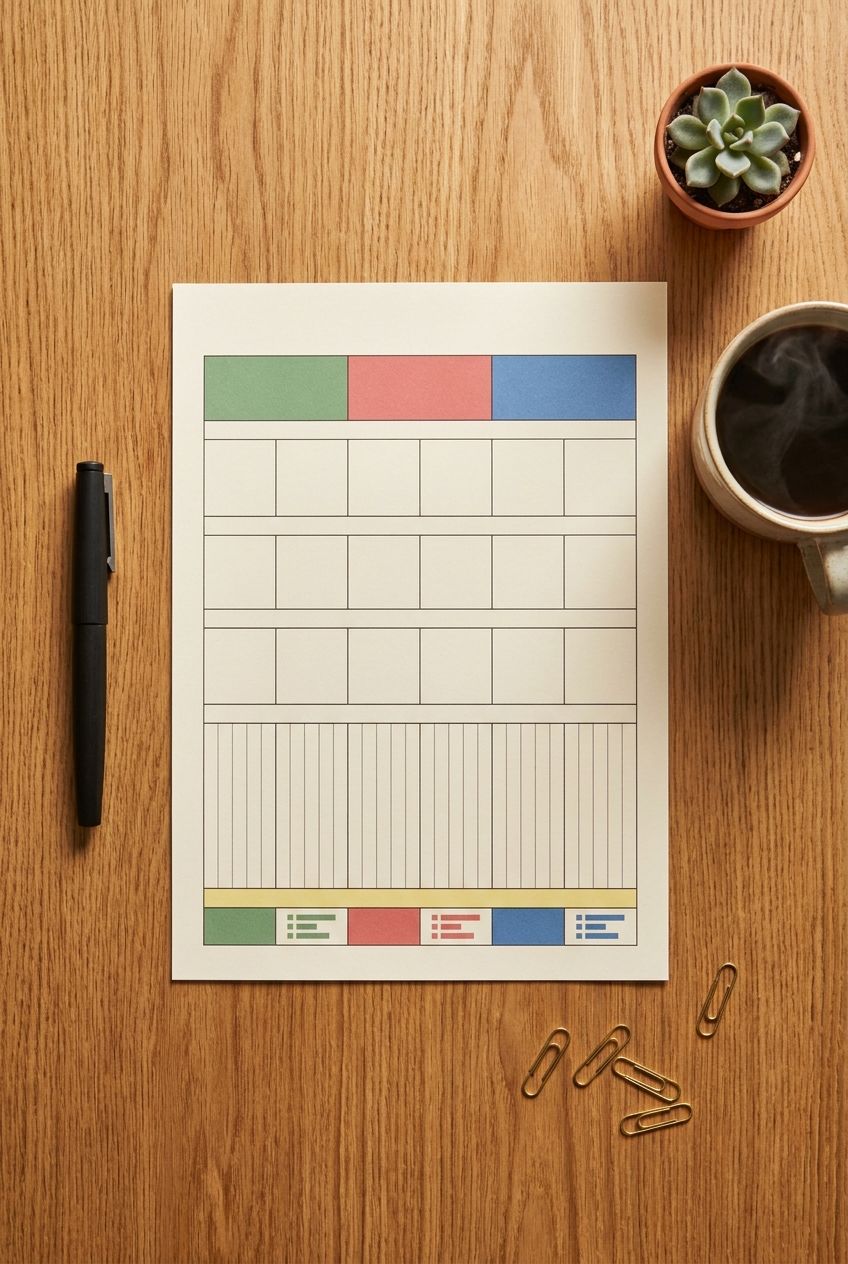
Set up four columns: Planned, Actual, Difference, and Notes. In the Difference column, use the formula =B2-C2 so overspending shows as a negative number. Success is a sheet where every row has a planned amount in under 20 minutes.
Sinking Funds: The Secret to a Budget That Survives Irregular Expenses
A sinking fund is a small monthly deposit into a dedicated savings pot for a known future cost. It’s the single feature that separates budgets that last from budgets that break.
Take car registration at $240 per year. You can wait and take a $240 hit in one month, or set aside $20 monthly so it’s already paid for when the bill arrives. Same money, zero surprise.
How to Set Up Sinking Funds in 4 Steps
- List every irregular expense from the last 12 months. Scan your bank statements for anything that appeared once or twice: annual insurance, vet visits, gifts, car repairs, back-to-school costs.
- Total them and divide by 12. If the list adds to $2,400, your monthly sinking fund contribution is $200.
- Open a separate high-yield savings account. Ally, Marcus by Goldman Sachs, and Capital One 360 all offered 3.5% to 4.5% APY at last check, with no monthly fees. Use the sub-account labeling feature to name each fund.
- Automate the transfer. Schedule it for the day after payday so the money moves before you can spend it.
But what if you can’t find the money for $200 a month? Start with just the three most predictable costs (usually car, gifts, and medical). Even $75 a month beats zero, and you can expand as you trim other categories.
The Weekly 15-Minute Money Check-In That Keeps Your Budget Alive
Monthly reviews are too slow. By the time you notice you overspent on dining out, the month is over. A weekly check-in catches drift while it’s still fixable.

Pick one fixed slot, such as Sunday at 7 p.m. or Friday at lunch, and set a recurring calendar alert. Then run this routine:
- Minutes 0 to 5: Import or log transactions. If your bank supports CSV export, download the week’s activity and paste it into your sheet. Otherwise, scroll your banking app and enter amounts manually.
- Minutes 5 to 10: Check three numbers. Compare your Eating Out, Fun, and Groceries rows against the planned amount divided by 4.3 weeks. These three categories cause most overspending.
- Minutes 10 to 15: Adjust. If you’re $40 over on Eating Out, trim $40 from Fun for the rest of the month. Never leave an overage unresolved.
Success looks like a sheet where every row has been touched this week. But what if you miss a week? Don’t try to catch up on everything. Log only the last 7 days and move on. A budget with one missed week still works. A budget abandoned out of guilt doesn’t.
Handling Irregular Income: A Template Adjustment for Freelancers and Commission Earners
If your income swings between $2,800 and $6,500, a standard budget feels impossible. The fix is to budget from your baseline income, the lowest amount you reliably earn.
The Baseline Method
Pull your last 12 months of deposits and find the lowest three months. Average them. If those months were $2,800, $3,100, and $3,300, your baseline is $3,067. Build your entire budget on roughly $3,000.
In higher-earning months, route everything above baseline in a fixed order:
- First $500 over baseline: top up your emergency fund until it covers 3 months
- Next $500: pay down high-interest debt (anything above 8% APR)
- Remainder: split between investing and a “lifestyle bump” so you actually enjoy good months
Open a separate “income buffer” account and pay yourself a fixed monthly salary from it. Deposit all earnings there, then transfer $3,000 to checking on the 1st. This one trick turns volatile income into a steady paycheck, and it’s what accountants recommend to self-employed clients.
Spreadsheet, App, or Paper? Choosing the Right Tool for Your Budget Template
The best tool is the one you’ll open weekly. Here’s how the main options compare on the criteria that matter.

| Tool | Cost | Setup Time | Effort to Maintain | Best For |
|---|---|---|---|---|
| Google Sheets / Excel | Free | 30 to 45 min | Medium (manual entry or CSV import) | Control freaks, irregular income, sinking funds |
| YNAB (You Need A Budget) | $109/year (34-day free trial) | 60 to 90 min | Medium (auto-import, manual categorizing) | People who overspend and need a strict system |
| Monarch Money | $99.99/year | 20 to 30 min | Low (auto-categorizes) | Couples, tracking net worth alongside spending |
| Paper / notebook | Under $5 | 15 min | High (all manual) | Cash-based budgets, tactile learners |
Recommendation: Start with a spreadsheet for your first 90 days. You’ll learn how your money actually moves, which makes any paid app far more useful later. If you’ve already failed with spreadsheets twice, go straight to YNAB, because its rule-based structure forces the weekly habit.
7 Steps to Launch Your Template in One Evening (45 Minutes Total)
Follow these in order. Each step has a time limit so you don’t stall in perfectionism.
- Gather three months of bank and credit card statements (5 minutes). Log in and download PDFs or CSVs.
- Calculate average monthly take-home pay (3 minutes). Use your baseline if income varies.
- List fixed bills with exact amounts (7 minutes). Rent, insurance, loan minimums, subscriptions.
- Estimate variable spending from real data (10 minutes). Total groceries, eating out, and fun across 3 months, then divide by 3. Use actual numbers, not hopeful ones.
- Apply the 50/30/20 check (5 minutes). Compare your real percentages to the targets and note the biggest gap.
- Set sinking fund contributions (10 minutes). Use the 12-month irregular expense list.
- Schedule your weekly check-in (5 minutes). Put it on your calendar with a recurring alert before closing the laptop.
But what if your real spending exceeds your income? That’s valuable information, not a failure. Write down the gap, and use your first budget cycle to find $100 to $300 in cuts, starting with subscriptions (the average American household has $219 per month in them, per a 2022 C+R Research survey) and food delivery fees.
5 Common Budgeting Mistakes and How to Fix Each One
These errors account for most abandoned budgets. Each has a specific fix.

- Mistake 1: Budgeting for your ideal self. You plan $250 for dining out when you’ve averaged $520. Fix: use your 3-month actual average as the starting number, then reduce by 10% per month. Gradual cuts stick; sudden ones don’t.
- Mistake 2: Skipping the “miscellaneous” cushion. Real life produces $50 surprises constantly. Fix: add a $75 to $150 “buffer” line (about 2 to 3% of income) so small shocks don’t blow up categories.
- Mistake 3: Tracking without deciding. Recording that you spent $600 on restaurants changes nothing. Fix: at every weekly check-in, make one adjustment decision, even if it’s tiny.
- Mistake 4: Keeping budget money in one account. When rent, savings, and spending cash share a balance, you overspend because the number looks big. Fix: use two accounts minimum, one for bills and one for spending, with automatic transfers.
- Mistake 5: Giving up after one bad month. A blown month teaches you what your plan missed. Fix: review which category failed, adjust its amount or add a sinking fund, and restart on the 1st with no penalty.
Objections Answered: “I Don’t Have Time,” “I Hate Math,” and “My Partner Won’t Cooperate”
Real obstacles deserve real answers. Here are the three most common objections and how to handle them.
“I don’t have time to track every purchase”
You don’t need to. Track by category totals weekly, not per transaction daily. The 15-minute check-in covers everything. If that still feels heavy, use an app like Monarch or Copilot that auto-categorizes and cut the weekly review to 5 minutes.
“I hate math”
The spreadsheet does the math. You enter amounts and the Difference column calculates itself. The only calculation you do by hand is the one-time 50/30/20 split, which takes a phone calculator and 60 seconds.
“My partner doesn’t want to budget”
Start with a shared bills account and keep personal spending separate. Each person deposits a fixed percentage of income (for example, 60% each) into the joint account, and the rest is spending money with no questions asked. This “yours, mine, ours” structure cuts money arguments because nobody audits anyone’s coffee. Hold a 20-minute monthly money date, framed around a shared goal like a $5,000 vacation fund rather than past spending.
Your First Budget Cycle: What to Do Tonight
Don’t wait for the 1st of next month. A budget started on the 17th is infinitely better than a perfect one planned for the 1st that never happens.
Tonight, open a blank Google Sheet, name it with this month’s date, and copy the 12 categories from earlier in this guide. Fill in your take-home pay and the three 50/30/20 totals, then list your fixed bills with their exact amounts. Stop there. That 20-minute start gives you a working skeleton.
Tomorrow, add your 3-month averages for groceries, eating out, and fun. This weekend, set your sinking funds and put the Sunday check-in on your calendar. When that first alert pings, open the sheet, log the week, and make one small adjustment. That single repeated action, not the template itself, is what makes a monthly budget template that actually works.